
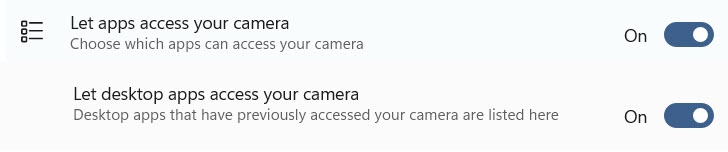
On Windows 10 and 11 set the camera privacy to allow access
You may also need to check your antivirus to see if it is blocking the camera.
- Go to Start ► Settings ► Privacy ► Camera
- Make sure the "Let apps use your camera hardware" switch is turned on.
- Scroll down to "Allow desktop apps to access your camera" and set that switch to on.
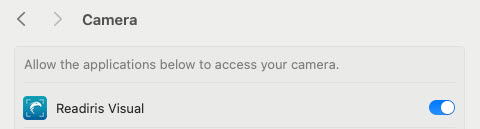
On macOS adjust these permissions in System Preferences/Settings
On Sequoia you will be prompted to enable these. On earlier macOS versions they will need to be set manually.
- Camera
- Files and Folders
- Microphone
For example




Casey King
Comments