
After scanning with one of the apps available on the pen the files can be accessed this way.
Windows
- Turn on and connect the pen to the computer with a USB C cable.
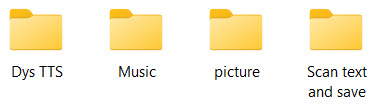
- Open File Explorer and navigate to IRISPen_Air_8 ⯈Internal shared storage.
- The scan types that have been used will be displayed as folders.
- For example
Macintosh
- Turn on and connect the pen to the computer with a USB C cable.
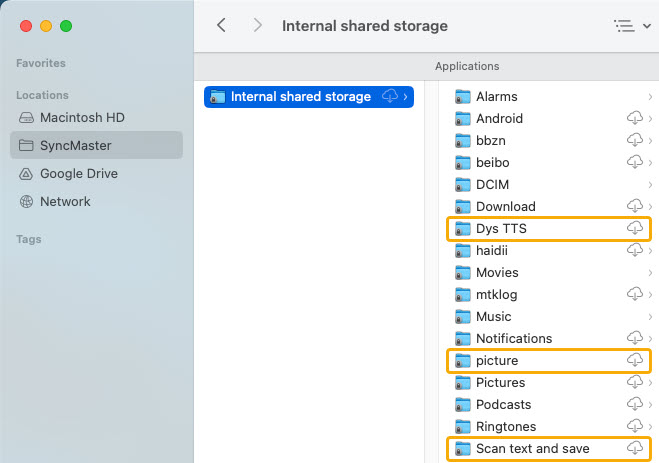
- It will be necessary to use one of these apps to access and offload the files.
SyncMaster (Free for file access)
Commander One (7-day free trial)
MacDroid (7-day free trial) - The content can then be accessed in the marked folders as pictured.
- For example




Casey King
Comments