
The download for this product contains this software.
- Scanner driver - critical install to allow the software to communicate with the scanner.
- Button Manager - Enables the button on the scanner to scan to a wide range of programs, formats and destinations.
- Readiris PDF 23- The purpose of the Readiris program is to convert a scanned or preexisting image/PDF into a Word, Excel or searchable PDF document depending on the nature of the document and your goal for it.
Download the IRIS Software Installer
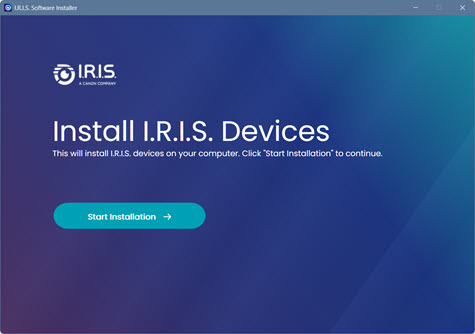
- Click on the link to download the IRIS Software Installer.
- Start the software and agree to the License agreement and Privacy Policy
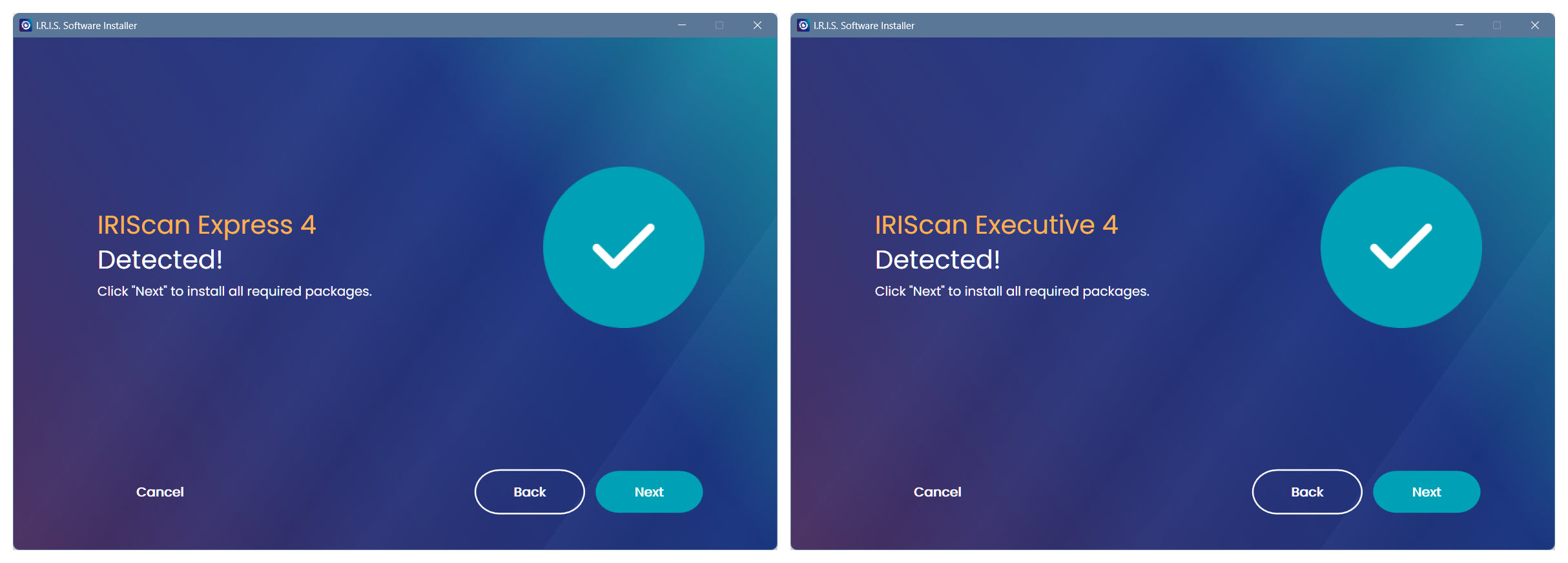
- Plug you scanner into the computer and click Next...
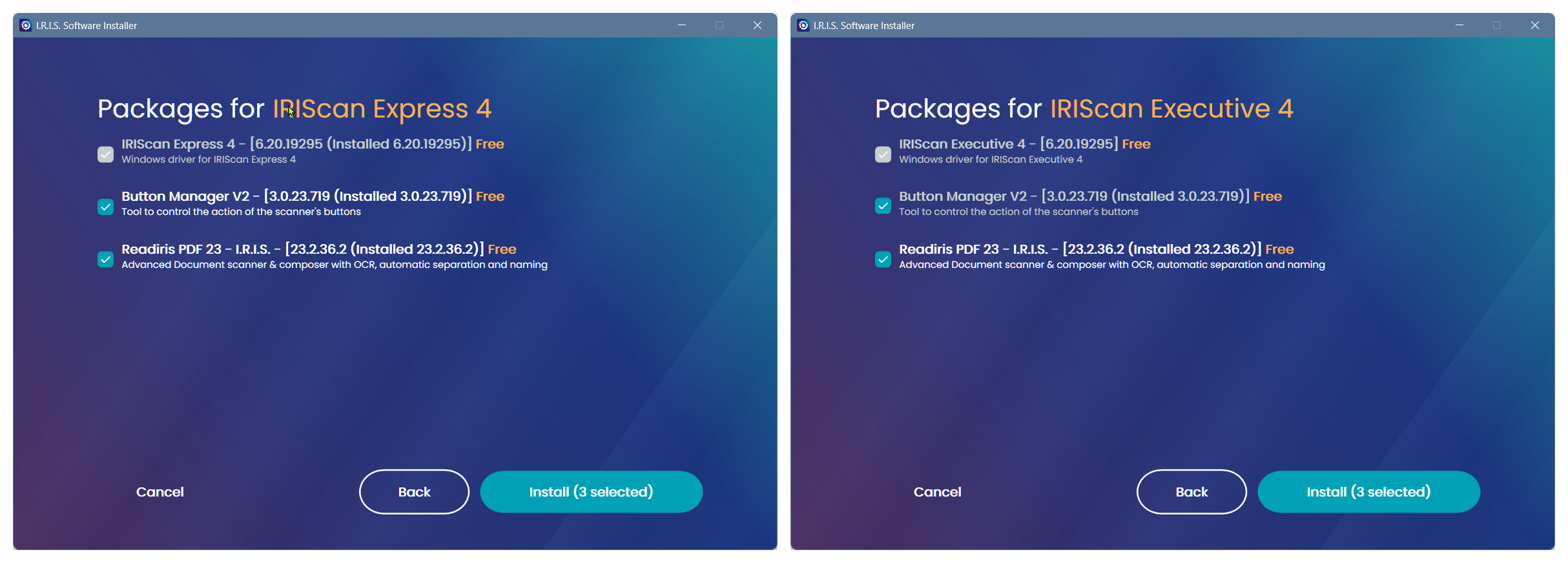
- In a moment it should detect your scanner and after clicking Next display the available software.
- Check boxes in Gray are mandatory and white are optional. If you check an optional box it will turn green.
- Both optional items are recommended for maximum scanning flexibility.
- Items already installed will be displayed and will be skipped.
- Click "Start Installation" and the software will download and install automatically.
Activation of the Readiris PDF 23 software.
- Plug your scanner into the computer.
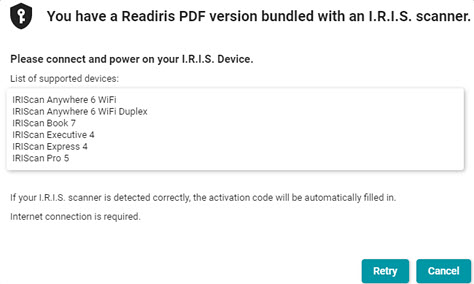
- After the installation start the Readiris PDF 23 software and it will ask to be activated.
- Click on "I want to activate with my I.R.I.S. scanner."
- This message will appear and in a moment the software will detect the scanner and auto activate.
How to Scan with Readiris PDF 23
The two primary ways to scan are with the Readiris PDF 23 or using the Button Manager
Readiris PDF 23
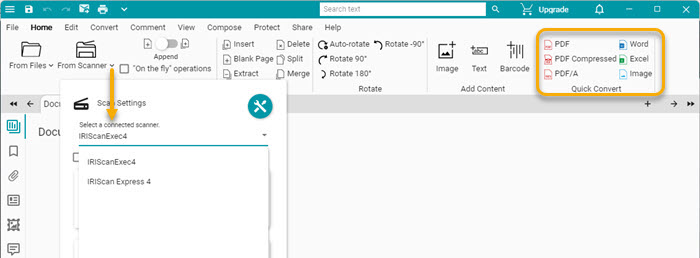
- In Readiris click the down arrow to the right of "From Scanner" and select the model you have.
- Then click on the From file button to bring in the scan.
- Note the Append | Slide control.
- Append means that each scan will accumulate before you process to a single output document.
- New means that each scan will open in a new tab and be processed separately.
- Click the format you want to process to in the Quick Convert section on the Home tab to process to an output file. The default save location is Documents ⯈ Readiris PDF
- For Advanced options go to the Convert tab and click the format and then set options in the right panel that appears.

How to scan with Button Manager?
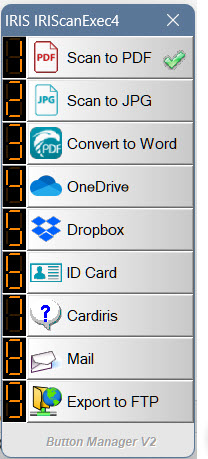
The Button Manager is a versatile software to scan to a variety of formats and destinations at the touch of a button or a click of the mouse.
It is best understood by watching this short how to video.
<




Casey King
Comments